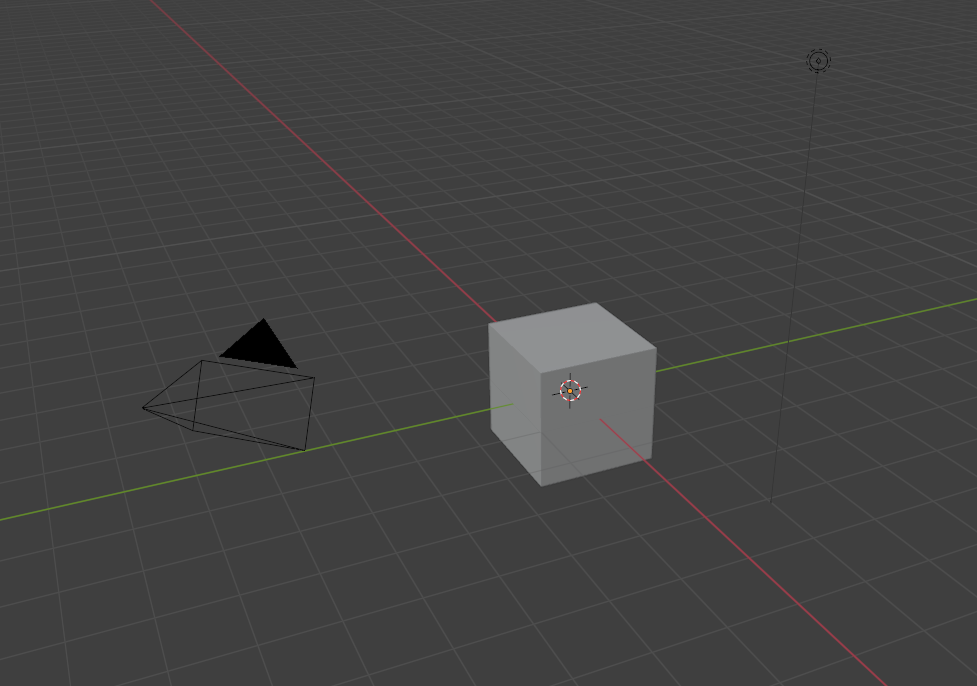
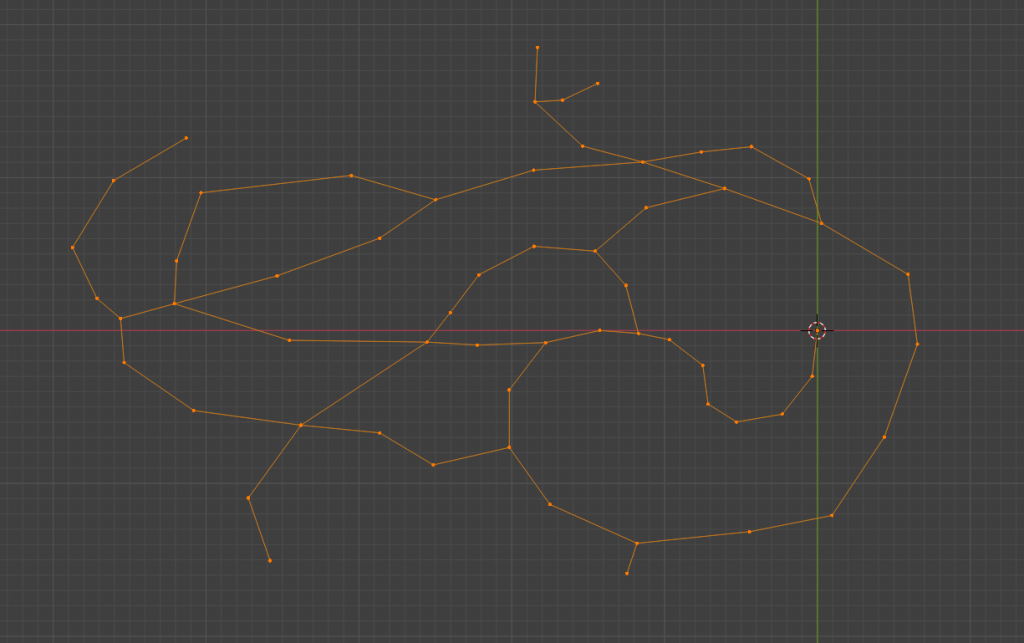
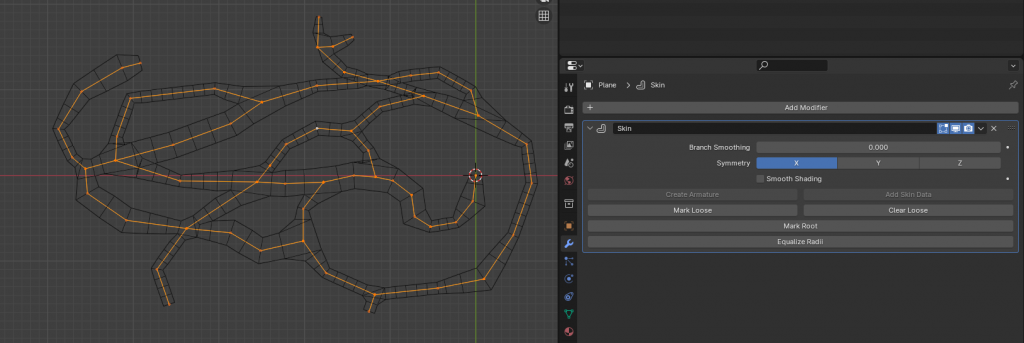
Step 2: Merge cube vertices and extrude to a cave shape that would work for with the game loop. I wanted it to be easily navigateable and looping.
Step 3: Apply Skin modifier and scale vertices for passages that see more use or would have more enemies inside of it. Give vertices height offset to mimic cave systems better.
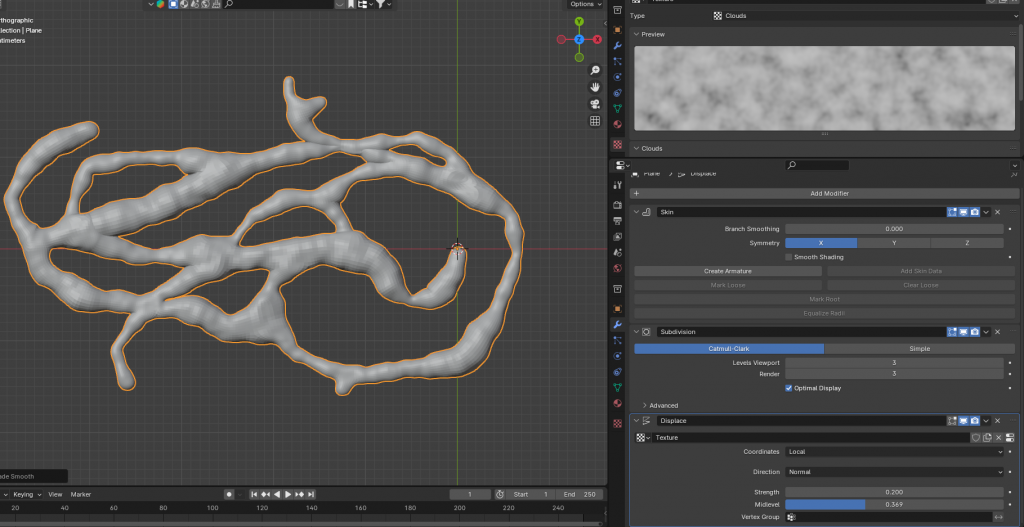
Step 4: Subsurface modifier to give more vertices to play with. And give the first noise displace modifier to give make it look more like a cave. We will be applying another noise to give it more depth, but will be doing this in the normal maps to save vertice count in the end.
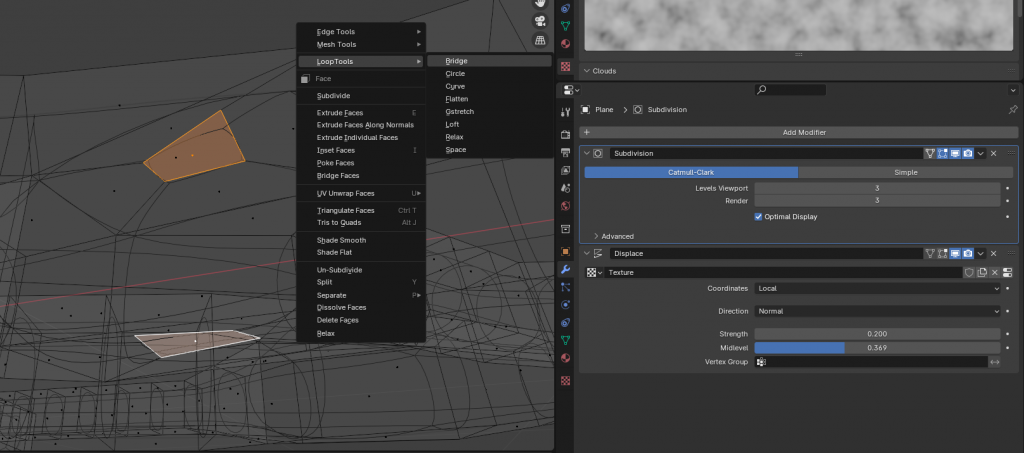
Step 5: To make stalagmites and stalactites, apply skin modifier and use loop tools for connected pillars or just extrude faces for other formations. Doing this before the subsurface will allow us to keep them smoothed and apply the cave bumpiness.
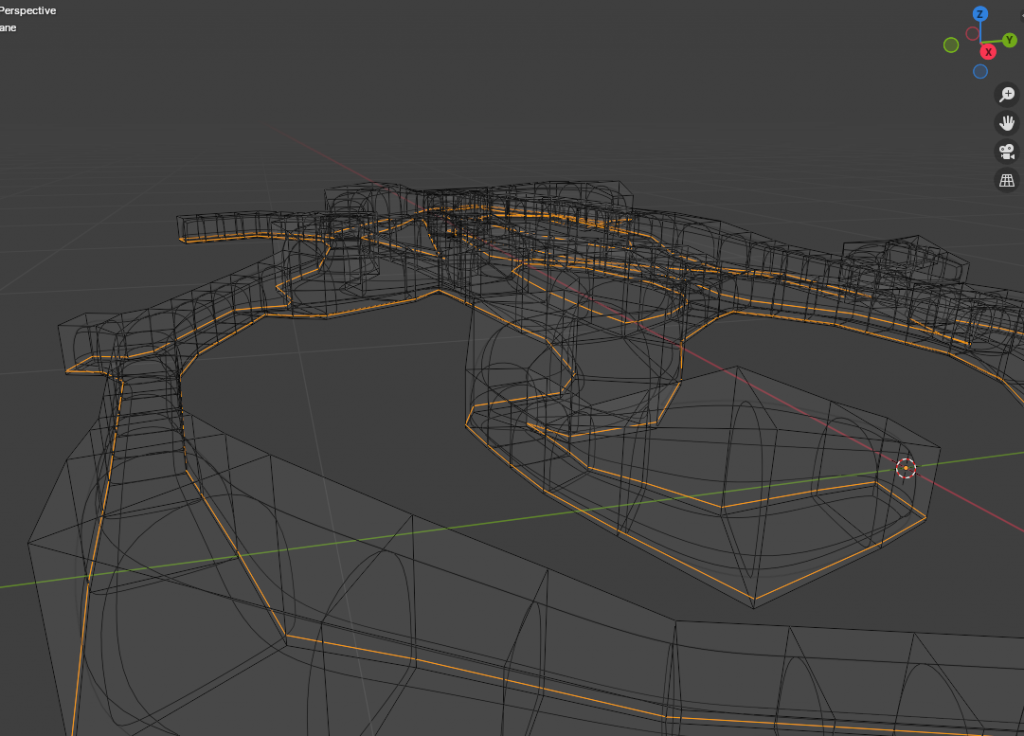
Step 6: Create loop cuts around base of mesh to make for a flatter cave floor. I also flipped my normals around now to make sure they were pointed towards the inside of the mesh.
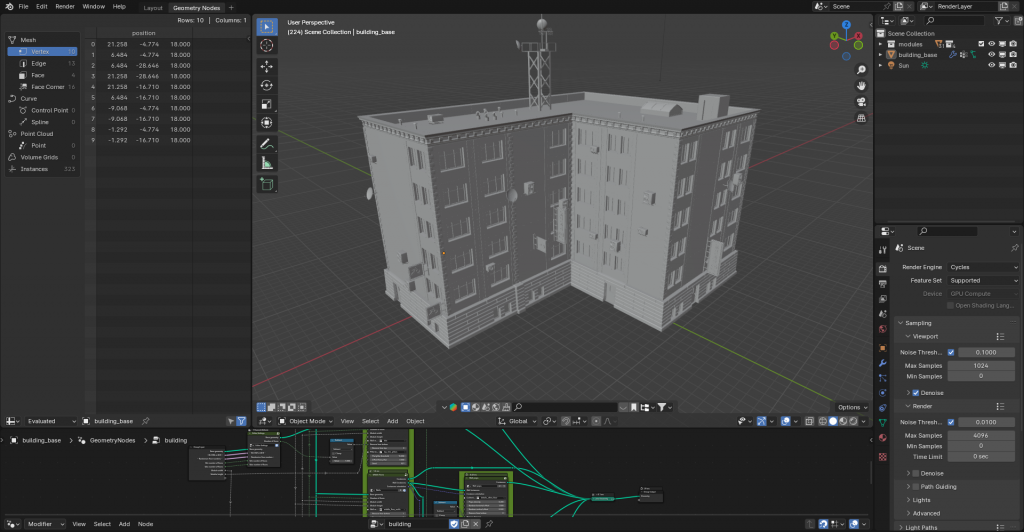
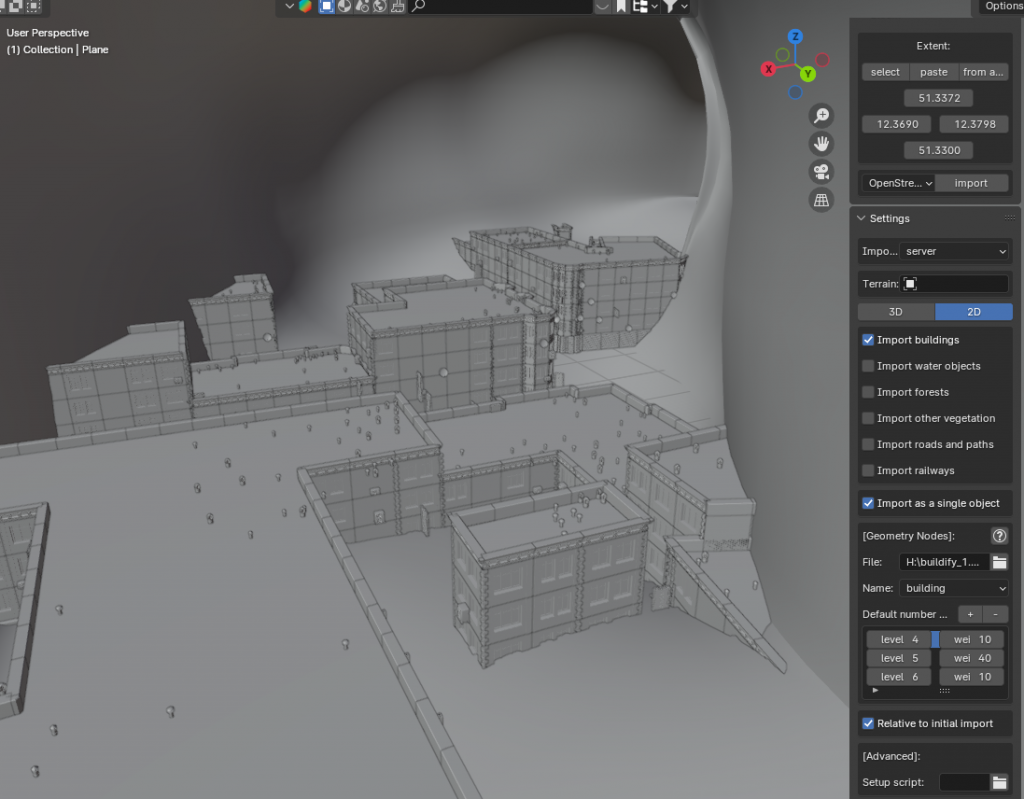
Step 7: I used Blendify in conjunction with Blender OSM(free) to generate buildings based off of real city Google Maps data, which fit with the intended narrative. I just neded to clean up things like the signs and satelites dishes as they were extra details that didn’t make sense with my scene.
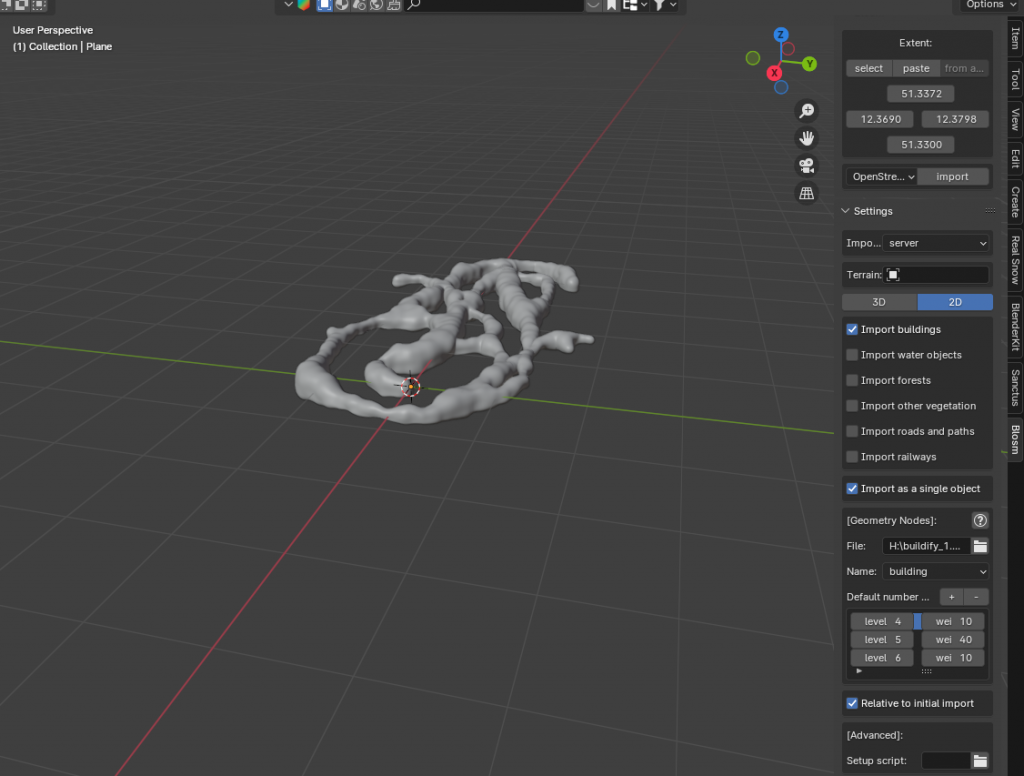
Step 8: Import Google Map information with nothing but buildings in with Buildify’s geometry nodes set up.
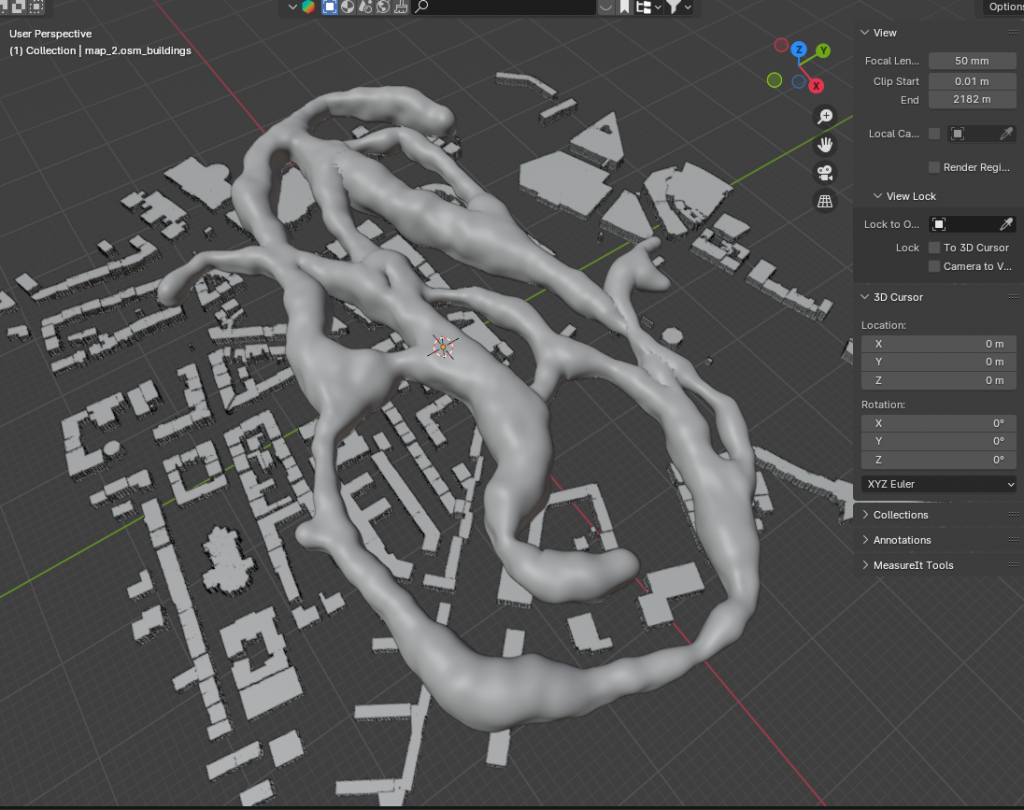
Step 9: Scale cave system and buildings to ideal size, make buildings submerged inside of the cave and adjust scale for NPC size.
Step 10: Delete extra buildings that fall outside of the cave system mesh.
And done! Other than texturing and tweaking the model and buildings to fit the game environment, it was easy to set up and a very fast method to get a playable environment for the game jam.
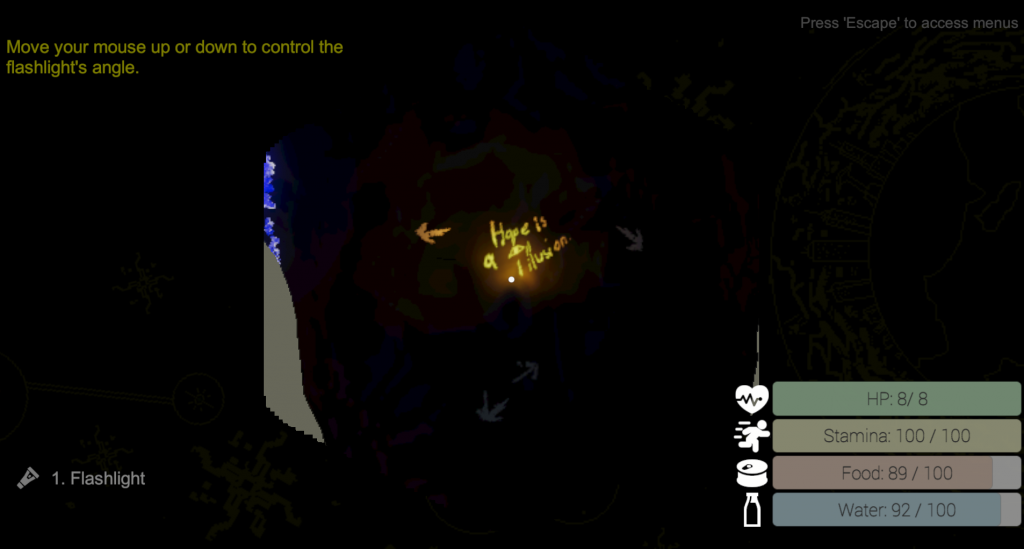
I then took a screenshot of the top down and decided where to place buildings, crystals, monsters, and the NPC. Then it was just a matter of setting up the NavMesh for Unity and decorating the environment with cave paintings and decals.

Leave a Reply